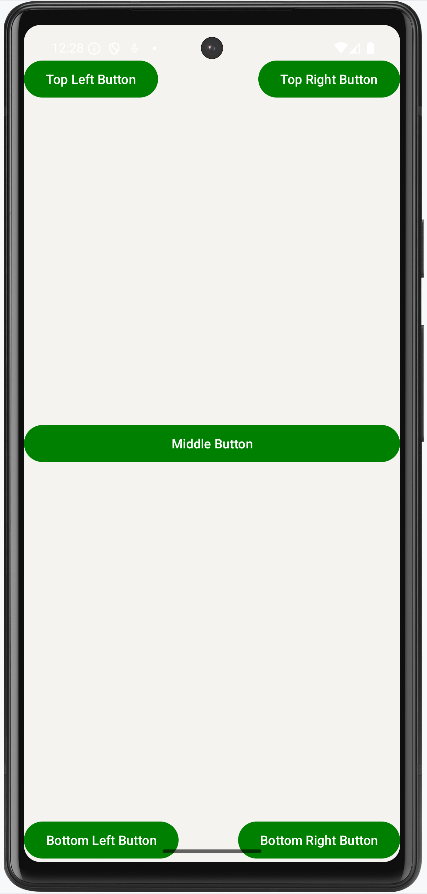
Relative Layout in Android is a layout that arranges its child views in relation to each other. Unlike Linear Layout, which can make element arrangement complex, RelativeLayout simplifies the process by allowing flexible and dynamic positioning. It enables you to align views relative to each other or to the edges of the parent container, making it ideal for creating more complex and responsive UI designs.
There are so many properties that are supported by relative layouts. Some of the most used properties are listed below:
layout_alignParentTop
layout_alignParentBottom
layout_alignParentRight
layout_alignParentLeft
layout_centerHorozontal
layout_centerVertical
layout_above
layout_below
Benefits of Using RelativeLayout
Reduces nesting: RelativeLayout avoids the need for deeply nested layouts, which can help improve the performance of the app.
More flexible: It allows for precise control over the layout of views and is useful in responsive designs.
Go to the MainActivity.java/ MainActivity.kt file and refer to the following code. Below is the code for the MainActivity file. There is nothing to write inside the MainActivity file.