|
VOOZH | about |
|
VOOZH | about |
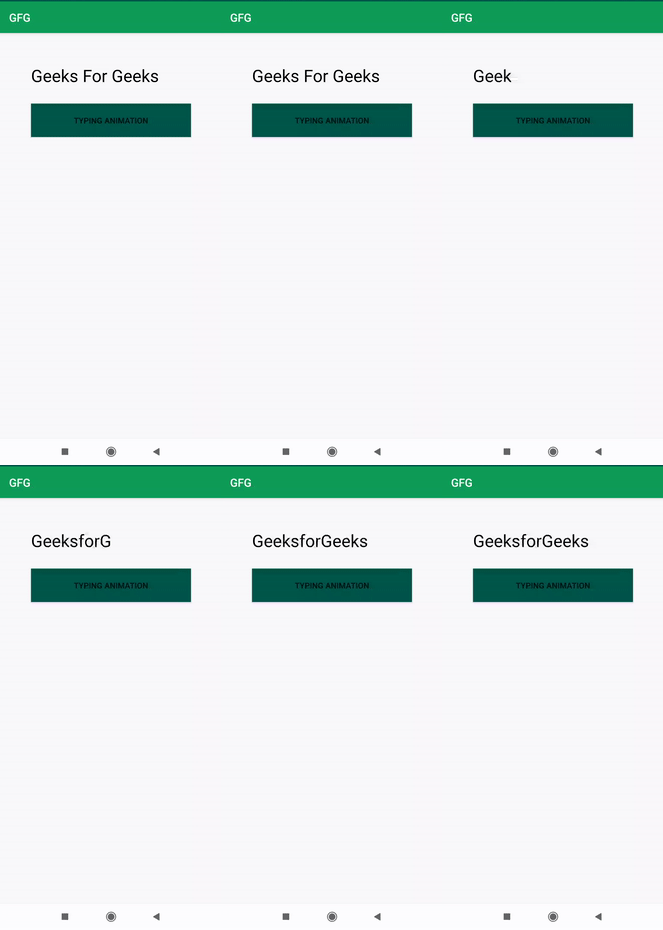
In this article, we are going to implement a very important feature related to TextView. This feature can be used to show important announcements or notifications in an App. Even we can add this feature to show important links for the user as this attracts the attention of the user. So here we are going to learn how to implement that feature. A sample GIF is given below to get an idea about what we are going to do in this article. Note that we are going to implement this project using the Java language.
👁 Typing Animation Effect in Android Sample GIFStep 1: Create a New Project
To create a new project in Android Studio please refer to How to Create/Start a New Project in Android Studio. Note that select Java as the programming language.
Step 2: Working with the activity_main.xml file
Navigate to the app > res > layout > activity_main.xml and add the below code to that file. Below is the code for the activity_main.xml file.
Step 3: Working with the MainActivity.java file
Go to the MainActivity.java file and refer to the following code.
// Here we are adding the first letter
new Handler().postDelayed(new Runnable() {
 @Override
 public void run() {
 typingt.setText("G");
 }
 },300);
 // After that we will be appending the next
 // letter after some time interval
 new Handler().postDelayed(new Runnable() {
 @Override
 public void run() {
 typingt.append("e");
 }
 },400);
Below is the complete code for the MainActivity.java file.
Output: