|
VOOZH | about |
|
VOOZH | about |
Unhandled promise rejection is a common error in React Native that occurs when a Promise fails but the error is not properly handled. It can cause warnings, unexpected behavior, or crashes if not managed correctly.
Now, create a project with the following command.
npx create-expo-app app-name --templateNote: Replace the app-name with your app name for example : react-native-demo-app
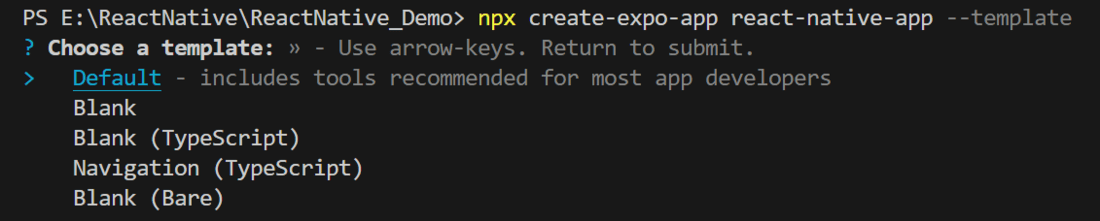
Next, you might be asked to choose a template. Select one based on your preference as shown in the image below. I am selecting the blank template because it will generate a minimal app as clean as an empty canvas in JavaScript.
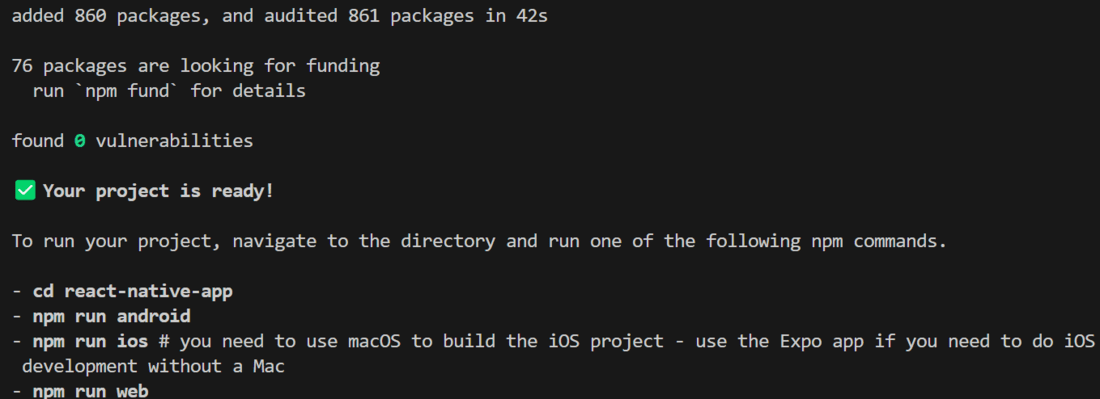
It completes the project creation and displays a message: "Your Project is ready!" as shown in the image below.
Now go into your project folder, i.e., react-native-demo
cd app-nameStart the server by using the following command.
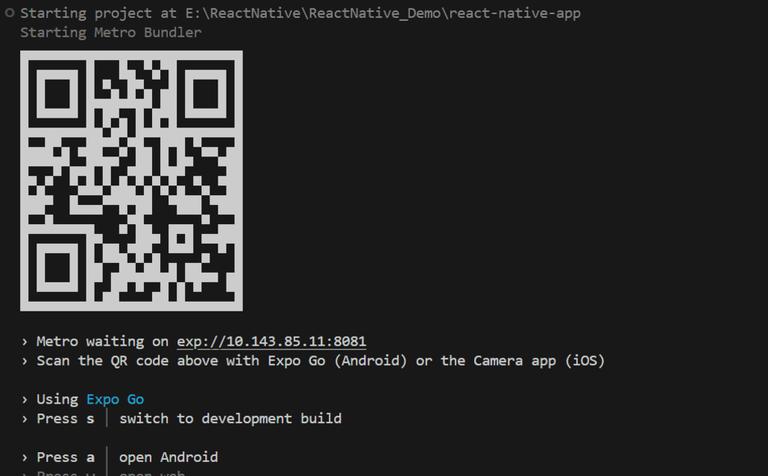
npx expo startThen, the application will display a QR code.
1. For the Android users,
2. For iOS users, simply scan the QR code using the Camera app.
3. If you're using a web browser, it will provide a local host link that you can use as mentioned in the image below.
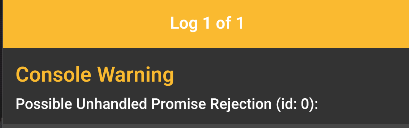
Error Shown: Below is a code of error that can occur in a React Native app when a promise is rejected but the rejection is not handled. The error message is shown in the image below.
Example: The below code will show the error and problem:
Output:
One possible cause of this error is the use of .catch() statements in your code that are not handling promise rejections. To fix this, you can add a .catch() statement to your promises and include a rejection handler to handle any errors that might occur.
Another possible cause of this error is syntax errors or typos in your code. To fix this, you can carefully review your code and look for any mistakes that might be causing the promise rejection.
Example: Here is an example of how you can use .catch() to handle a possible unhandled promise rejection in a React Native app:
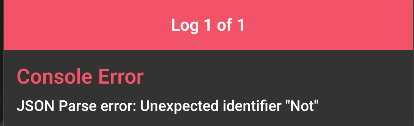
Now the function will throw more descriptive errors, which you can use to debug the code.