|
VOOZH | about |
|
VOOZH | about |
The React Native Switch API is a core component used to toggle between two states, typically on and off. It is commonly used in settings screens for enabling or disabling features like notifications, dark mode, etc.
<Switch
 trackColor={}
 thumbColor={}
 value={}
 onValueChange={}
/>
Now let’s start with the implementation.
Now, create a project with the following command.
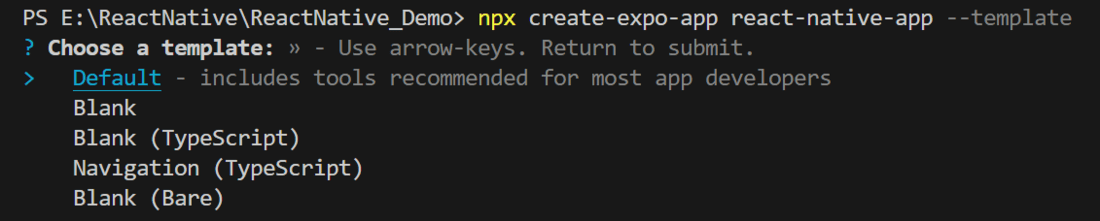
npx create-expo-app app-name --templateNote: Replace the app-name with your app name for example : react-native-demo-app.
Next, you might be asked to choose a template. Select one based on your preference as shown in the image below. I am selecting the blank template because it will generate a minimal app, as clean as an empty canvas in JavaScript.
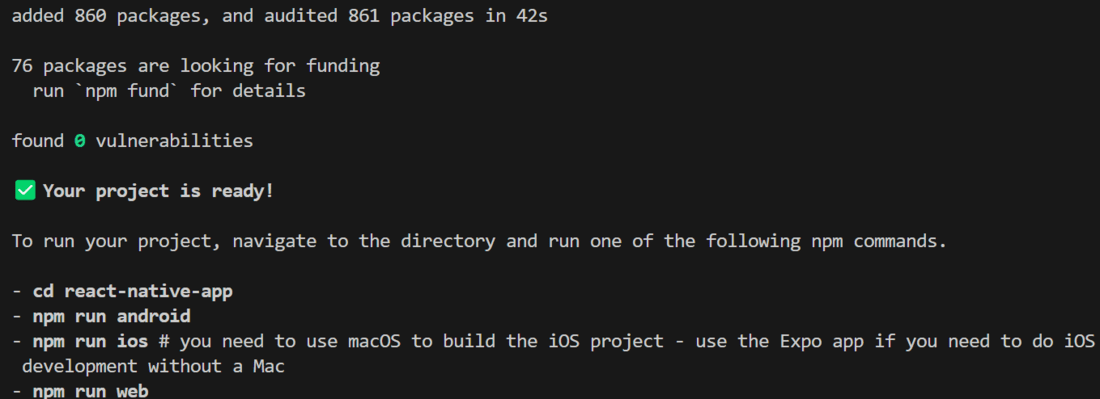
It completes the project creation and displays a message: "Your Project is ready!" as shown in the image below.
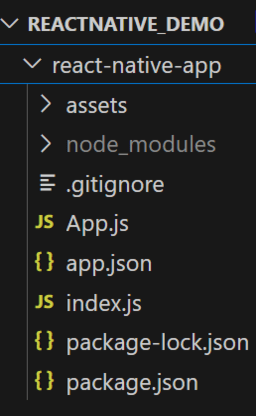
Now go into your project folder, i.e., react-native-demo.
cd app-nameStart the server by using the following command.
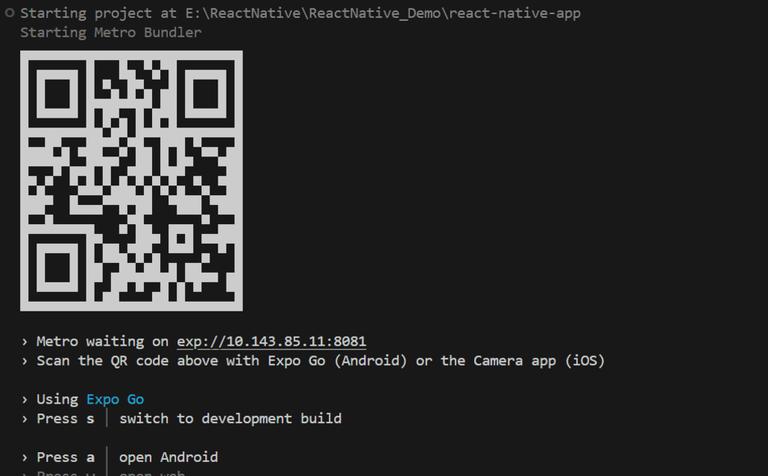
npx expo startThen, the application will display a QR code.
1. For the Android users,
2. For iOS users, simply scan the QR code using the Camera app.
3. If you're using a web browser, it will provide a local host link that you can use as mentioned in the image below.
Now let's implement the Switch. Here we created a Switch and when someone toggles the switch the color of the switch and text will change.
- Import libraries: Import required libraries at the top of the file.
- StyleSheet: Create a StyleSheet to style components like a container.
- Switch: This is a "Switch Component" for toggle functionality.
- Text: This component is used to display text on the app screen.
- toggle function: This function is used to toggle the state of 'Enable'
- useState: It is used to declare a state variable 'Enable' with initial value 'false' and a function 'setEnable' to update it.
- App Component: Wrap the Switch and Text with a View and return that inside the App function to render and place the toggle function and useState inside the App function, also make sure to export the App.
App.js
Output: