|
VOOZH | about |
|
VOOZH | about |
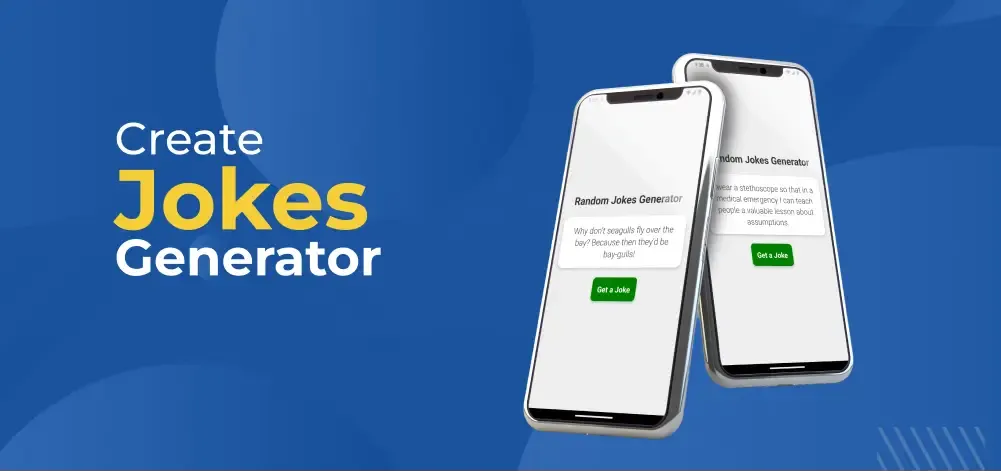
In this article, we are going to build a joke generator app using react native. React Native enables you to master the designing an elegant and dynamic user interface while effortlessly retrieving jokes from external APIs.
To give you a better idea of what we’re going to create, let’s watch a demo video.
Note: This Section is to interact with the app which you are going to build.
Now, create a project with the following command.
npx create-expo-app app-name --template
Note: Replace the app-name with your app name for example : react-native-demo-app
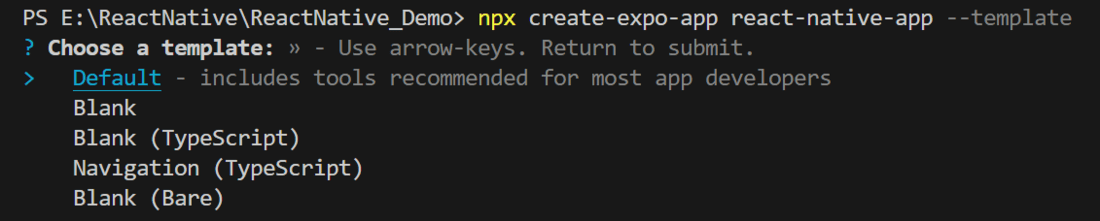
Next, you might be asked to choose a template. Select one based on your preference as shown in the image below. I am selecting the blank template because it will generate a minimal app that is as clean as an empty canvas in JavaScript.
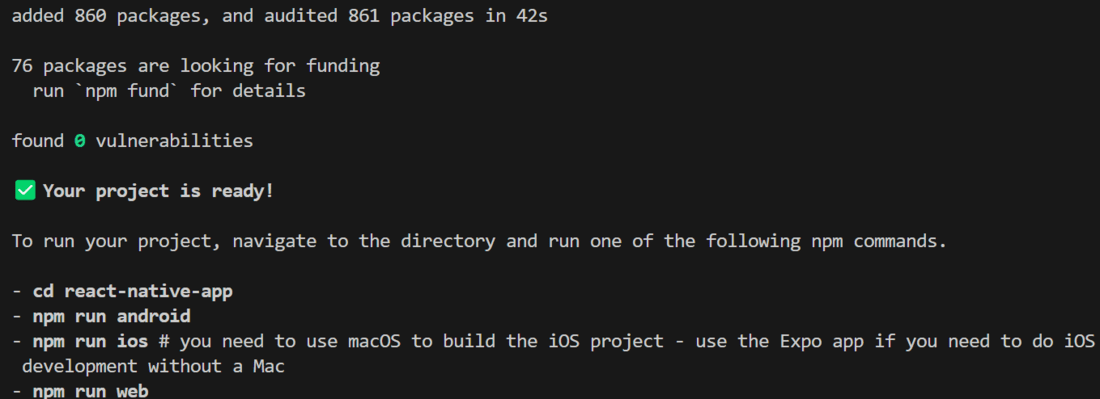
It completes the project creation and displays a message: "Your Project is ready!" as shown in the image below.
Now go into your project folder, i.e., react-native-demo
cd app-nameStart the server by using the following command.
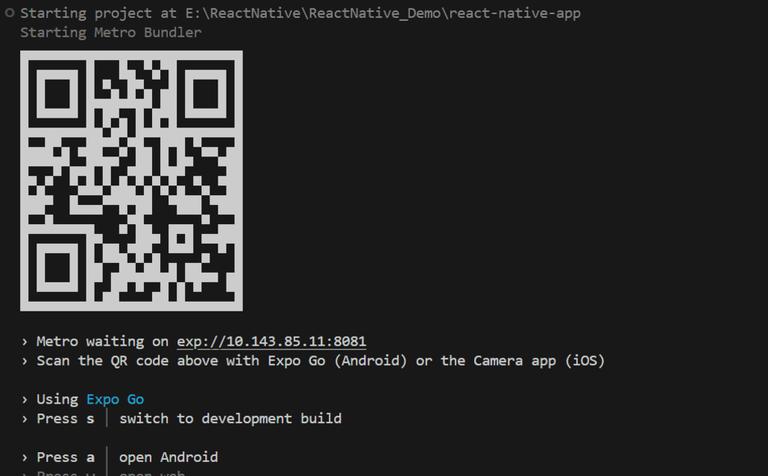
npx expo startThen, the application will display a QR code.
Add the below dependencies in package.json.
package.json:
{
 "dependencies": {
 "react-native-paper": "^5.14.0",
 }
}
Now, run the following command in the terminal to install the above dependencies.
npm installThe "Random Jokes Generator" app seamlessly retrieves jokes from an external API (https://icanhazdadjoke.com/), continuous supply of humor. Its user-friendly interface boasts a well-structured layout that consists of a title, a joke container, and an easily accessible "Get a Joke" button, enabling smooth interaction. The app enhances the visual experience by presenting jokes in an elegant white container with rounded corners and shadows. With just a simple click on the button, users can enjoy fresh jokes and stay engaged.
Let's dive into the code in detail.
Import required libraries at the top of the file.
Create a StyleSheet to style components like container, title, jokeContainer, etc.
This title explains what the app does. We use the text "Random Jokes Generator" to show that the app is to generate a random joke.
This joke container is made using a Text component inside a View component, with some styling. It shows the joke each time the "joke" state variable changes.
This button is used to call the getJoke function, which generates a random joke. It is made using a Text component that shows the words "Get a Joke" inside a TouchableOpacity component.
This is used to make a get request from provided URL inside the code and set the joke to joke state variable by calling setJoke useState function.
Now, wrap all design code with a View component, return it from the App component, and place all methods and useStates within the App component. Ensure to export the App.
App.js: