|
VOOZH | about |
|
VOOZH | about |
TouchableHighlight is a React Native component used to make views respond to touch events by darkening or highlighting the view when pressed. It is commonly used to create interactive buttons and clickable UI elements.
<TouchableHighlight>
 // Child Component
</TouchableHighlight>
These props are used to control the touch behavior, appearance, and highlight effect of the TouchableHighlight component when pressed.
Now, create a project with the following command.
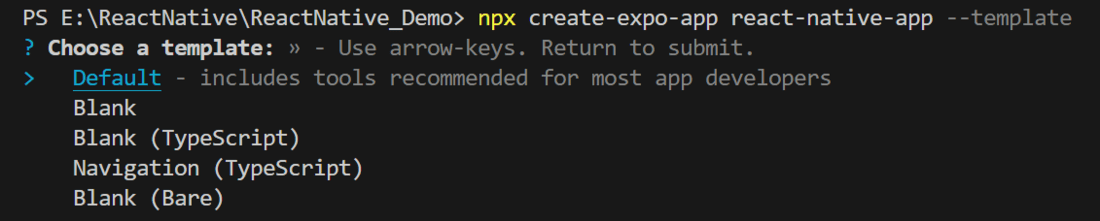
npx create-expo-app app-name --templateNote: Replace the app-name with your app name for example : react-native-demo-app.
Next, you might be asked to choose a template. Select one based on your preference as shown in the image below. I am selecting the blank template because it will generate a minimal app, as clean as an empty canvas in JavaScript.
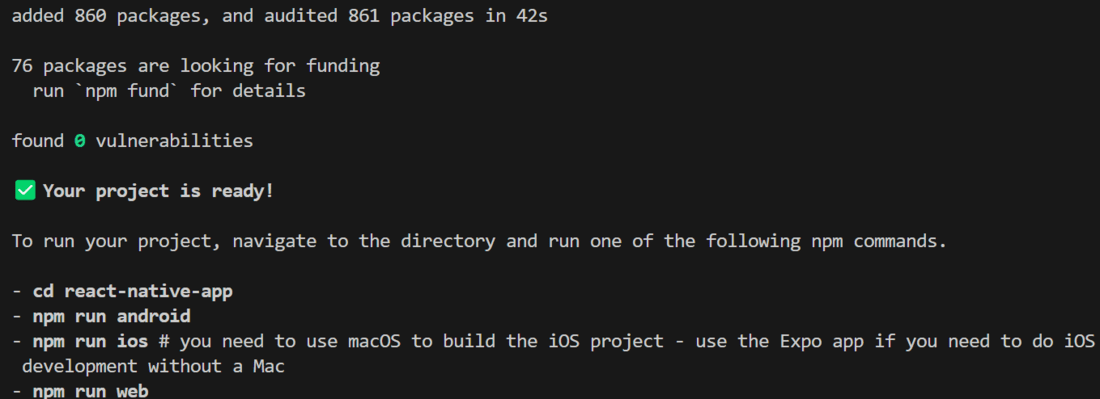
It completes the project creation and displays a message: "Your Project is ready!" as shown in the image below.
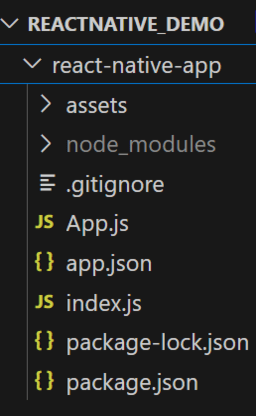
Now go into your project folder, i.e., react-native-demo.
cd app-nameStart the server by using the following command.
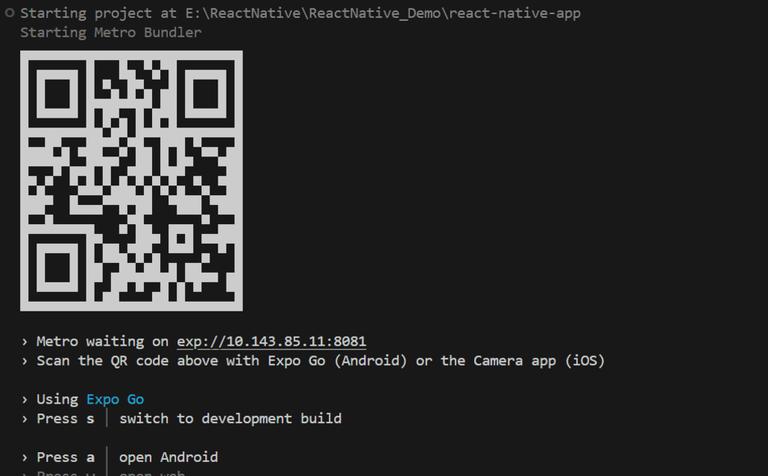
npx expo startThen, the application will display a QR code.
1. For the Android users,
2. For iOS users, simply scan the QR code using the Camera app.
3. If you're using a web browser, it will provide a local host link that you can use as mentioned in the image below.
- Import libraries: Import required libraries at the top of the file.
- StyleSheet: Create a StyleSheet for the Components.
- TouchableHighlight: Create a TouchableHighlight component, with a Text component as it's child and display a Alert message when user tap on it.
- App Component: Wrap the TouchableHighlight component in a View and return it in the App component. Also, ensure to export the App.
We have a button, and when the user clicks on it, the TouchableHighlight functionality is demonstrated.
App.js:
Output: