|
VOOZH | about |
|
VOOZH | about |
Logging is a quick and simple way to debug your application during the development phase. It helps developers understand how the application is functioning and identify issues easily. In React Native, logging allows you to track values, errors, and warnings while the app is running.
Note: Remove these console.log() statements before we push our product into the development phase as these statements will simply create an overhead there.
Now, create a project with the following command.
npx create-expo-app app-name --templateNote: Replace the app-name with your app name for example : react-native-demo-app
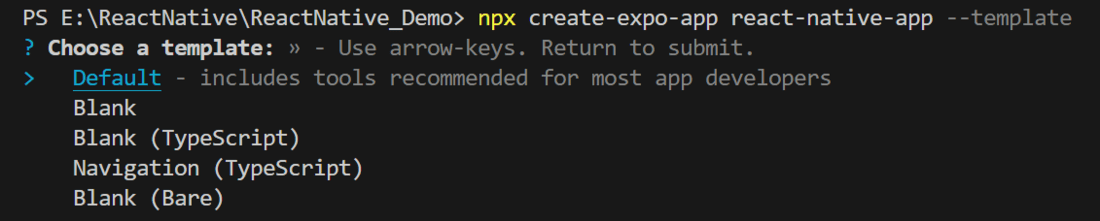
Next, you might be asked to choose a template. Select one based on your preference as shown in the image below. I am selecting the blank template because it will generate a minimal app, as clean as an empty canvas in JavaScript.
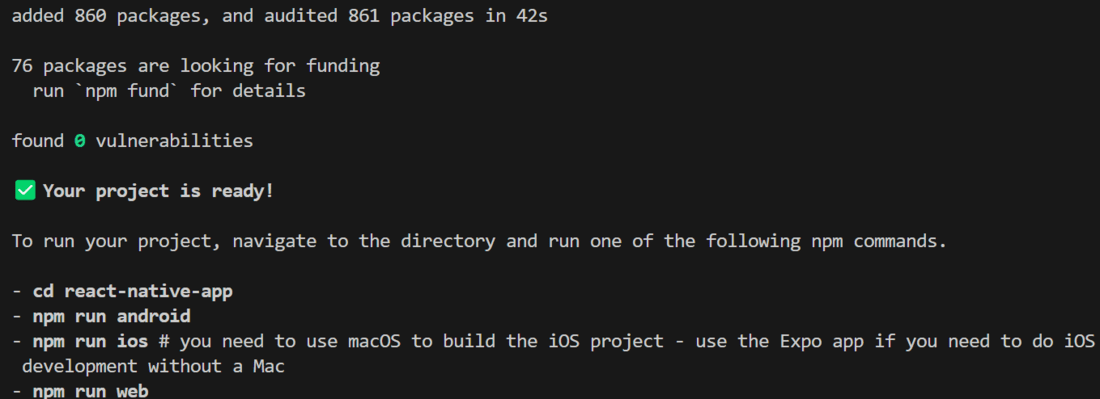
It completes the project creation and displays a message: "Your Project is ready!" as shown in the image below.
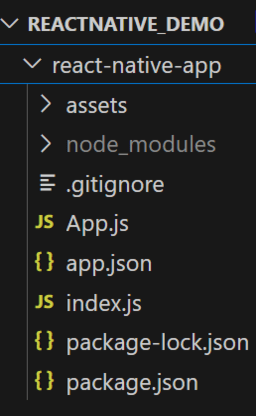
Now go into your project folder, i.e., react-native-demo
cd app-nameStart the server by using the following command.
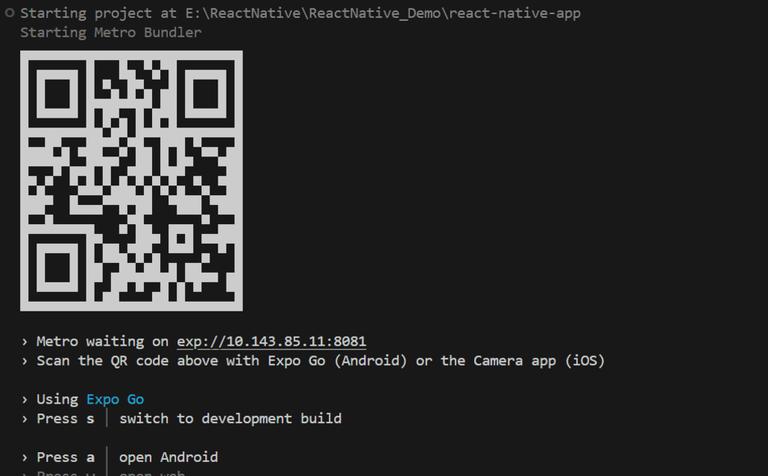
npx expo startThen, the application will display a QR code.
1. For the Android users,
2. For iOS users, simply scan the QR code using the Camera app.
3. If you're using a web browser, it will provide a local host link that you can use as mentioned in the image below.
Example 1: Here, we will display a message on the terminal using console.log.
console.log("content")
Output:
Example 2: Now, we will do logging using console.warn. This function performs logging in a yellow box.
console.warn("content")
Output:
Example 3: Now, we will do logging using a dependency called react-native-logs.
This dependency helps to provide some styling to logs. It has 4 forms; debug, info, warn, and error.
These forms can be seen in the example below.
Output: