How To Avoid Snackbar Overlap Floating Action Button in Android?
Last Updated : 15 Jul, 2025
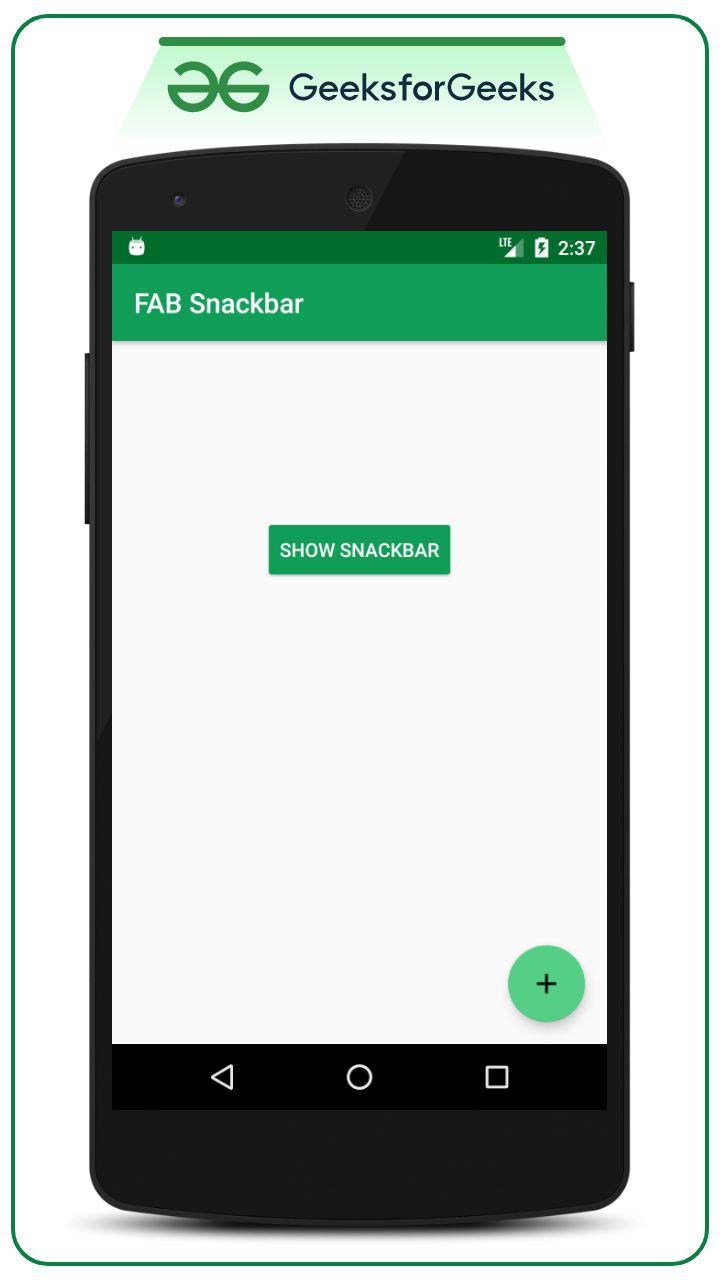
If one has implemented the Floating Action Button (FAB) in his Android application and also there exists a Snackbar implementation in the same application, then the Snackbar is definitely going to overlap the Floating Action Button.
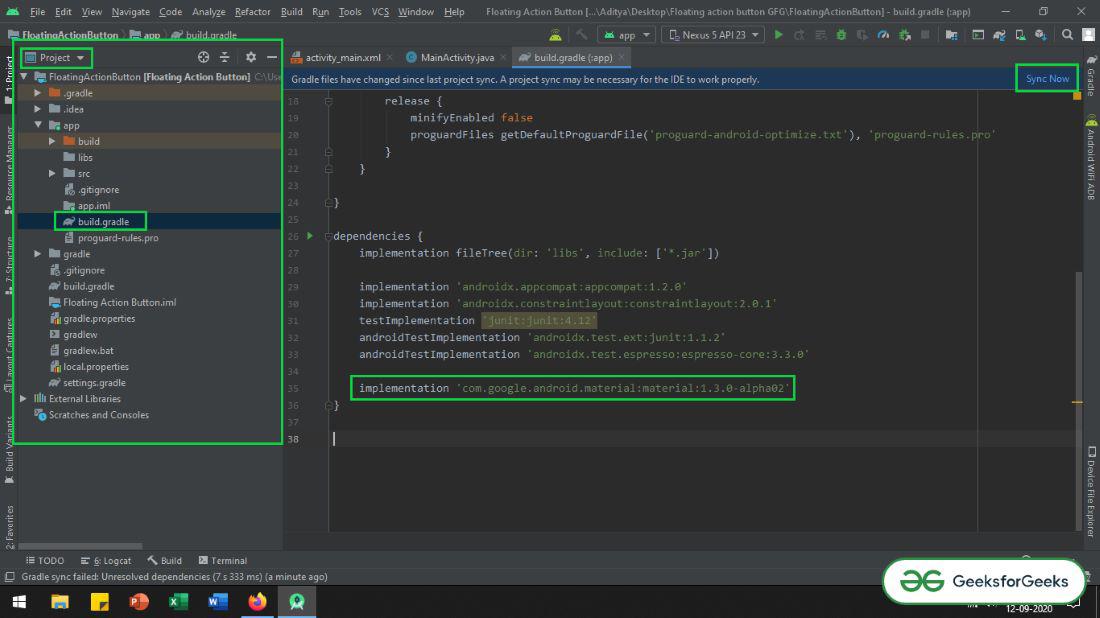
Make sure that add the dependency to the app-level Gradle file. After adding the dependency you need to click on the “Sync Now” button which appears at the top right corner of the Android Studio IDE.
When the user clicks on the Sync Now button make sure that you are connected to the network so that it can download the required files.
Refer to the below image if you can’t get the steps mentioned above:
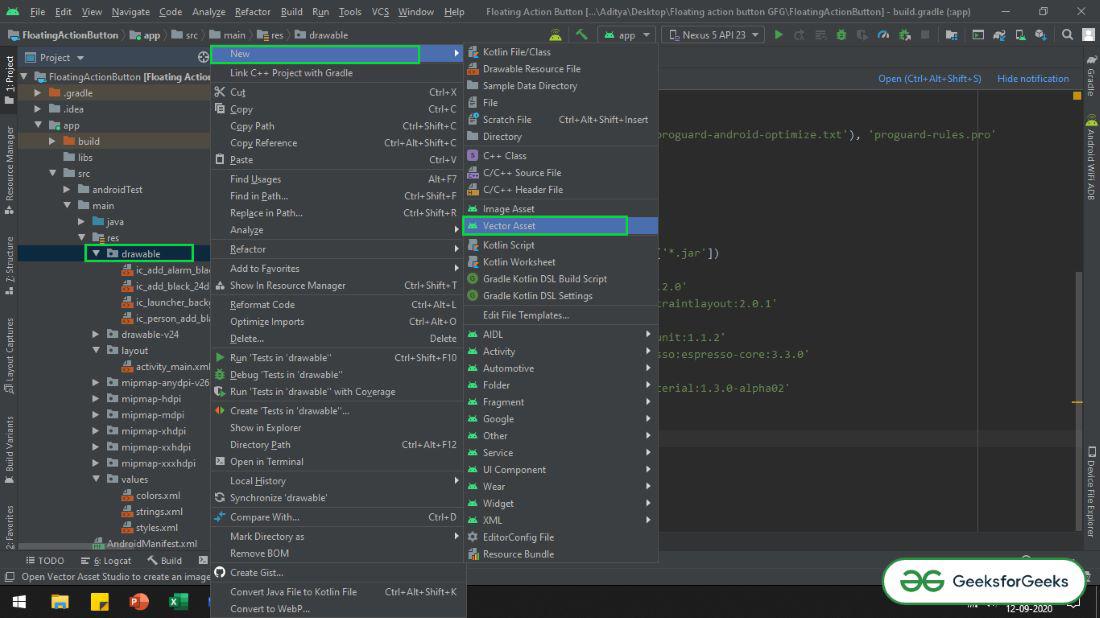
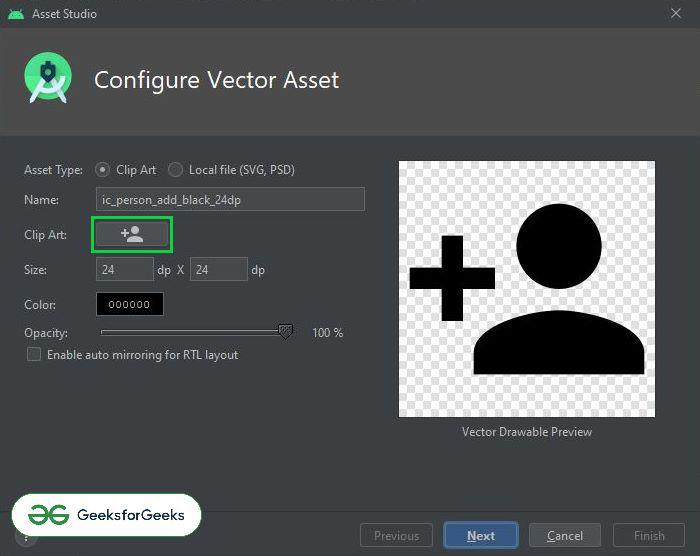
For demonstration purposes will import 3 icons in the Drawable folder, one can import the icons of his/her choice. One can do that by right-clicking drawable folder -> New -> Vector Asset. Refer to the following image to import the vector Icon.
Now resolve the issue programmatically in MainActivity.java file.
One can observe below code that SHOW SNACKBAR button onclick listener we have set the AnchorView to the parent FAB. So that the parent FAB will be visible, even after the Snackbar pops up, and the Snackbar will be shown at the top of the FAB.
Invoke the following code and comments are added inside the code to understand the code in more detail.