|
VOOZH | about |
|
VOOZH | about |
React-Native is an open-source framework used to develop cross-platform applications i.e., you can write code in React-Native and publish it as an Android or IOS app. In this article, we will build a basic Spin the Bottle game in React-Native. This is a multi-player game. Usually, people sit in a round with a bottle at the center. When the bottle stops spinning, the turn goes to the person at whom the bottle's tip stops.
Note: This Section is to interact with the app which you are going to build.
Now, create a project with the following command.
npx create-expo-app app-name --template
Note: Replace the app-name with your app name for example : react-native-demo-app
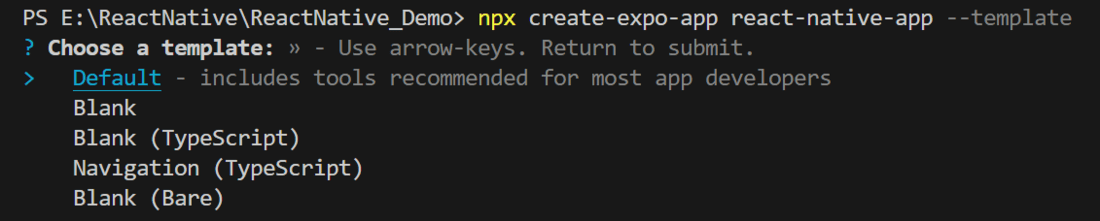
Next, you might be asked to choose a template. Select one based on your preference as shown in the image below. I am selecting the blank template because it will generate a minimal app that is as clean as an empty canvas in JavaScript.
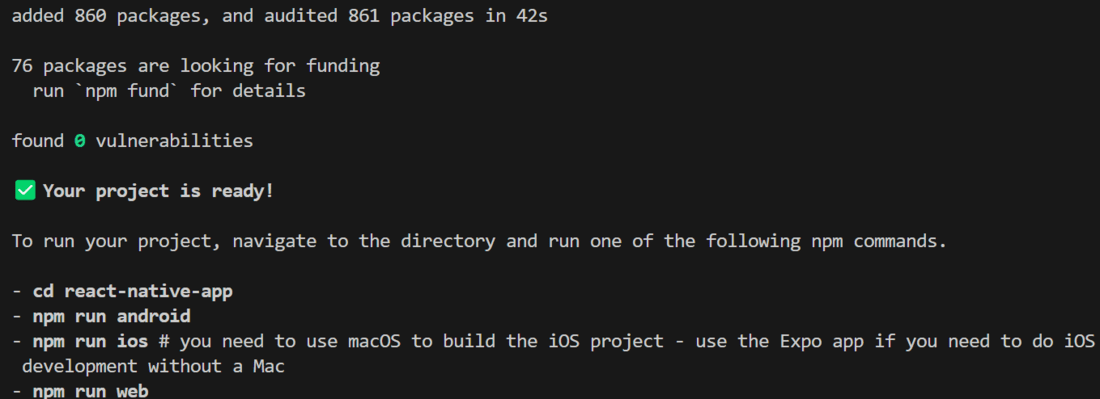
It completes the project creation and displays a message: "Your Project is ready!" as shown in the image below.
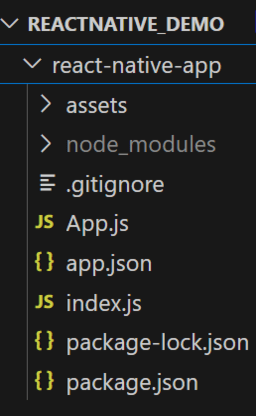
Now go into your project folder, i.e., react-native-demo
cd app-nameStart the server by using the following command.
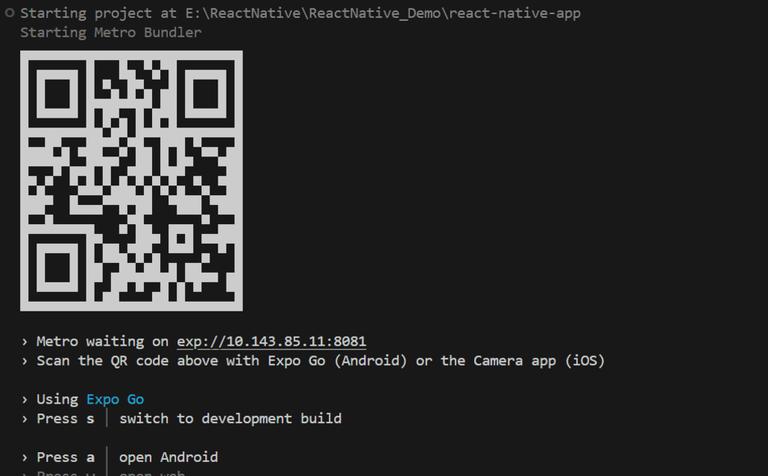
npx expo startThen, the application will display a QR code.
The game screen will display a bottle and a SPIN button. The bottle will start spinning when the SPIN button is clicked. The bottle will stop at a random position to indicate the turn of a person. The random position can be set using the Math.random() function. The spinning animation can be set using the Animated module of React-Native. The Spin the Bottle game can be used to play the famous games like Truth or Dare, Pictionary, Two Truths and a Lie etc.
Let's dive into the code in detail.
Import required libraries at the top of the file.
Create a StyleSheet to style components like container, geekText, bottle, etc.
This title explains what the app does. We use the text "Spin the bottle" to show that the app is to play the Spin the bottle Game.
This button is used to call startSpinAnimation and the function contains the game logic to spin the bottle.
Below code is used to display the bottle which is spinning.
Now, wrap all design code with a View component, return it from the App component, and place all methods and useStates within the App component. Ensure to export the App.
App.js: