|
VOOZH | about |
|
VOOZH | about |
Mobile app development requires enabling text copying to the clipboard for seamless content sharing and improved user experience. A popular cross-platform framework, React Native, offers a solution to this common requirement. This article will guide developers through implementing clipboard functionality using the @react-native-clipboard/clipboard package. By handling text input, utilizing the Clipboard API, and providing user feedback, users can effortlessly copy and share text within or across applications. Enhancing usability and empowering users to interact efficiently with content in React Native apps only requires a few lines of code.
Step 1: Create React Native Application With Expo CLI
Using Expo CLI, run the following command to create a new React native application:
npx create-expo-app ClipboardApp
Step 2:Navigate to the project directory by using this command:
cd ClipboardApp
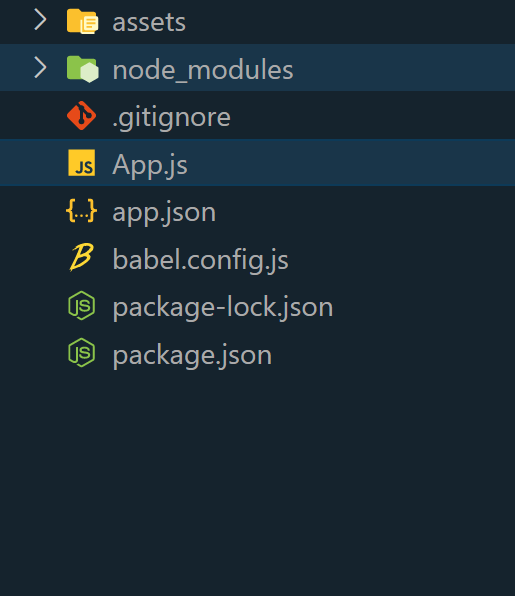
👁 React-Native-Project-Structure
Example: In this example, we will see copy text to the clipboard in React Native.
Step 4: To run the React Native application, open the Terminal or Command Prompt and type the following command:
npx expo start
To run on Android:
npx react-native run-android
To run on Ios:
npx react-native run-ios
Output: